GrappleGlory
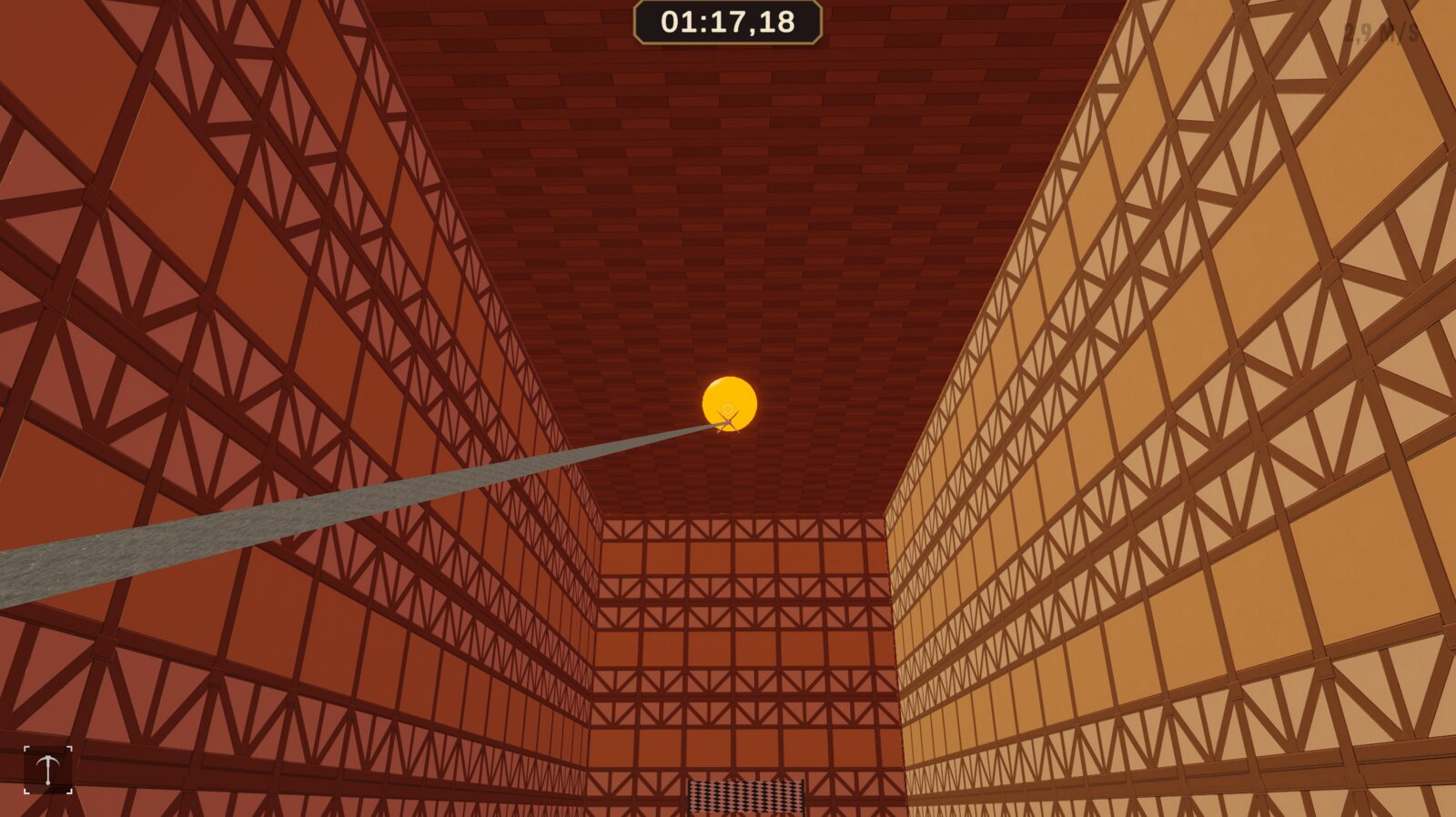
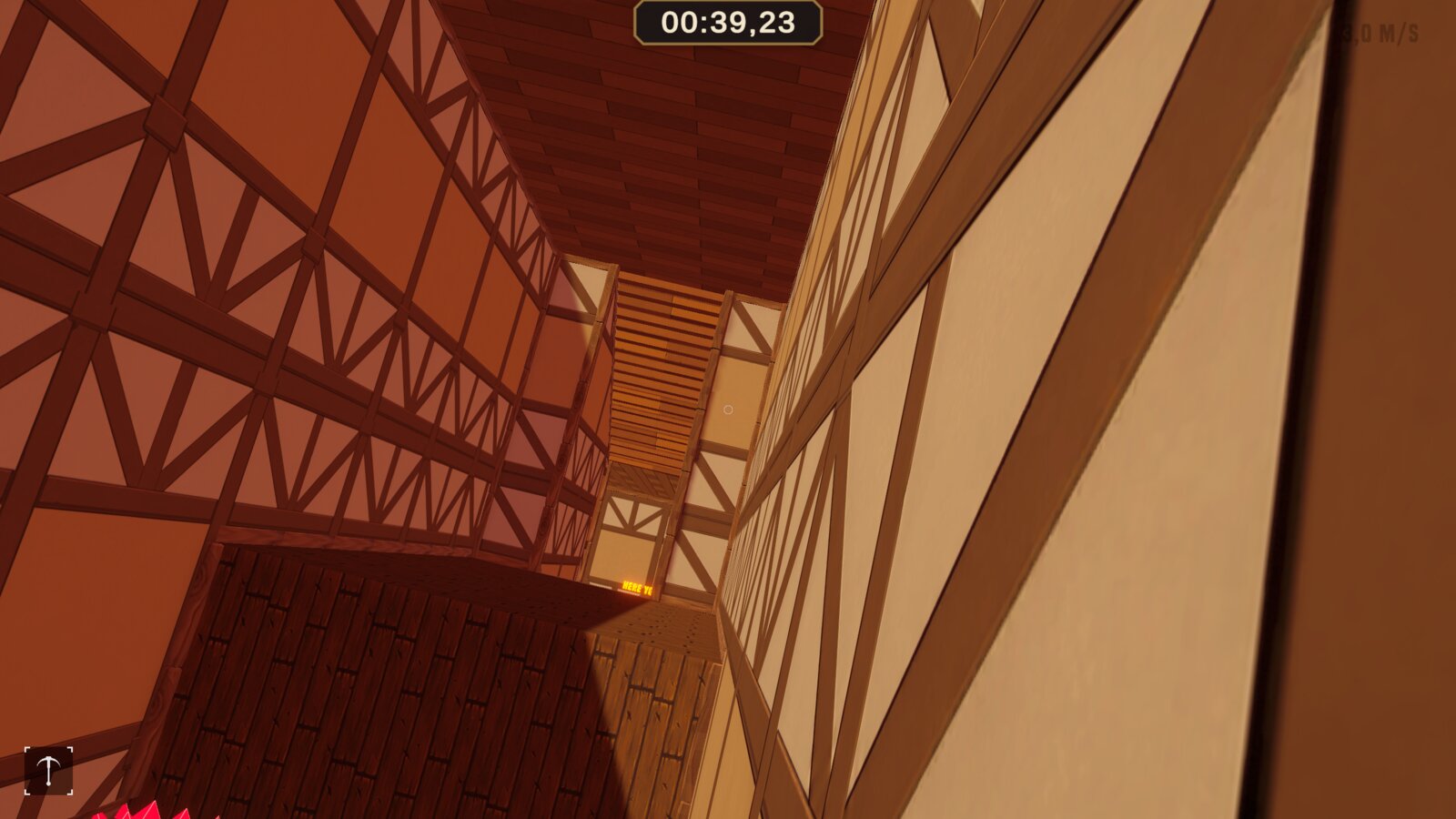
A first person platformer where movement itself is the point. Grapple, wallrun and slide want to chain together cleanly.
What it is
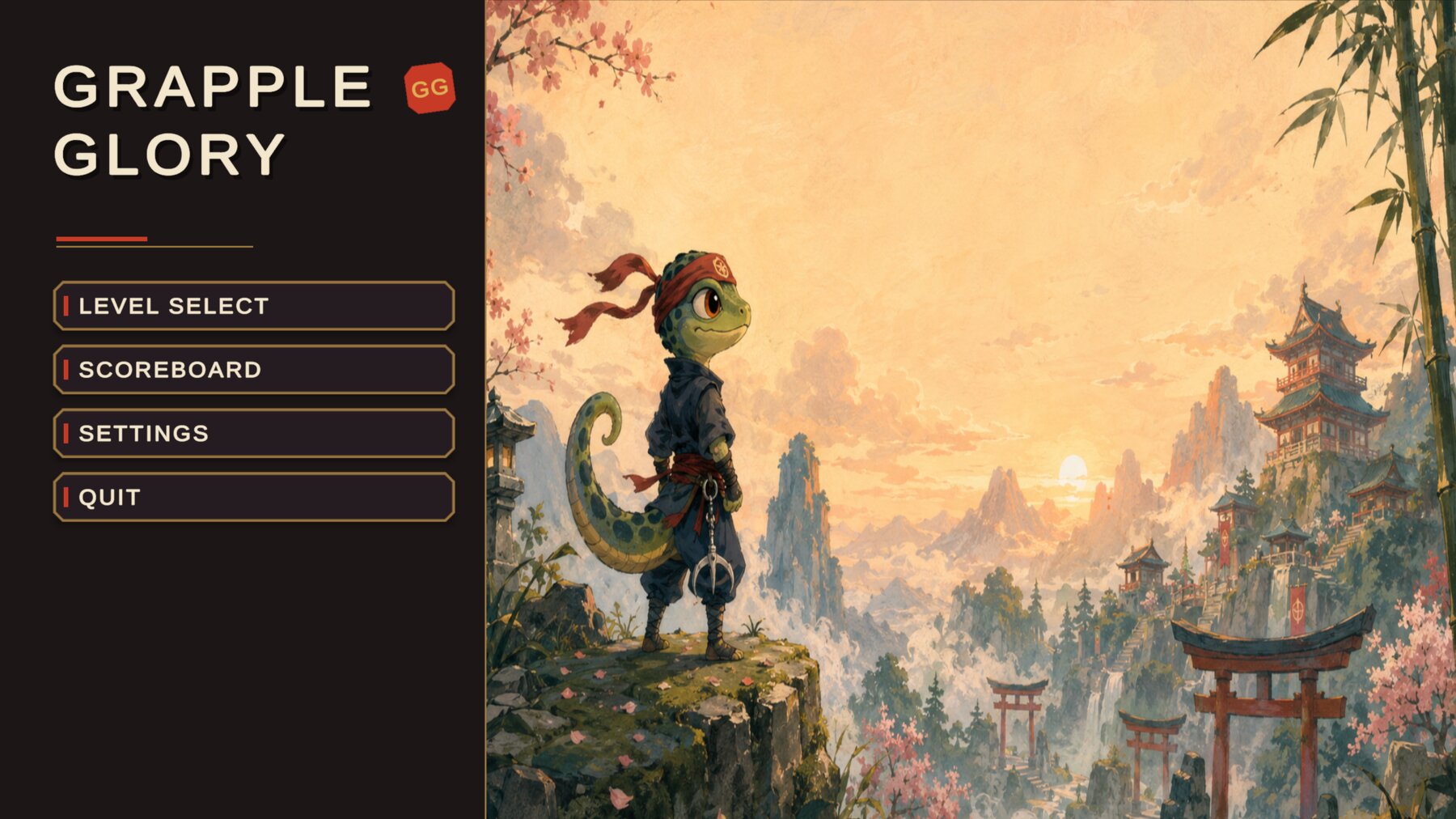
A young ninja lizard runs trial courses at a mountain temple dojo. There are no enemies and no combat. The whole task is to get through the course fast and without stalling.
One sentence held the project together: movement is the reward. I measured every decision against it. Anything that supported the flow could stay. Anything that slowed it down was cut or rebuilt.
The setting gives each mechanic a reason to exist. The grappling hook is a chameleon tongue, the wallrun works through sticky toes, the slide is the character skidding on its tail. I wanted the abilities to feel like part of a character rather than a list of functions.
A movement system of my own
Before touching game feel, I looked at how other games solve movement. Where does momentum come from, where does it get lost, when does air control feel fair and when arbitrary? Those references turned into a set of rules that my own movement system is built around.
A ready made controller package serves as the technical base. Everything that makes up the feel I rebuilt on top of it: the momentum system, the grappling hook in four combinable variants, the forward dominant air control, and the interplay of wallrun, landing and jump. Very little of the original survives in those places. Several functions only existed in name anyway: a speed slider that regulated nothing, a control field that stopped doing anything past a certain value.
My roughly 25 own scripts sit strictly apart from the package, so an update cannot overwrite my work.
Three rules for game feel
Speed belongs to the player. The controller reset incoming momentum to a fixed value in several places: when attaching to a wall, during the wallrun, and again on the jump off. I rebuilt it so that wallrun and landing carry incoming speed through. Only then does the chain that carries level 2 work: grapple, wallrun, wall jump, steer through the air, next wall.
Air control, but honest. You can bend your trajectory after a jump without slowing down. The momentum turns instead of disappearing. A playtest forced a correction: with full air control a short sideways tap threw the character across at full speed. Since then the controls are forward dominant.
A mistake costs seconds, not minutes. A missed grapple shot no longer triggers a cooldown. Before, every failed attempt meant three seconds of standing around. The restart button sits large and centred in the pause menu, because "again, but better" is by far the most common decision in a speedrun.
Ink, lacquer and gold
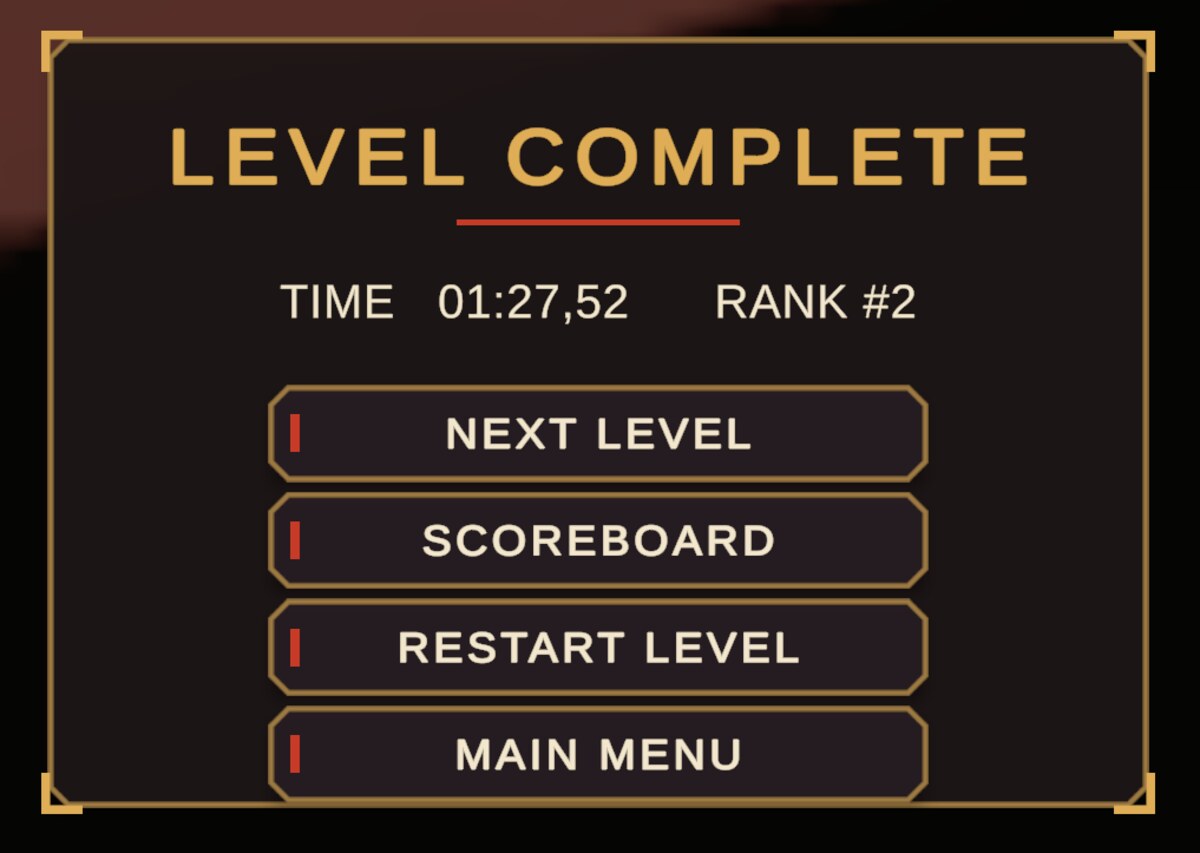
The interface follows one style throughout, matching the dojo: ink black, vermilion red, gold and a warm paper tone. Panels have bevelled corners like lacquer boxes, with gold frames and corner fittings.
Those graphics are not drawn in a paint program but in code. For one person that was the most efficient form of consistency: a change to the corner radius is one number, not a re-export of twelve files.
Even the pause menu from the bought package now looks like my own. A styler gives it the project look at startup and adds the buttons the package does not have. That happens at runtime on purpose, because the prefab belongs to the package and every update would have overwritten the changes.
Courses from a table
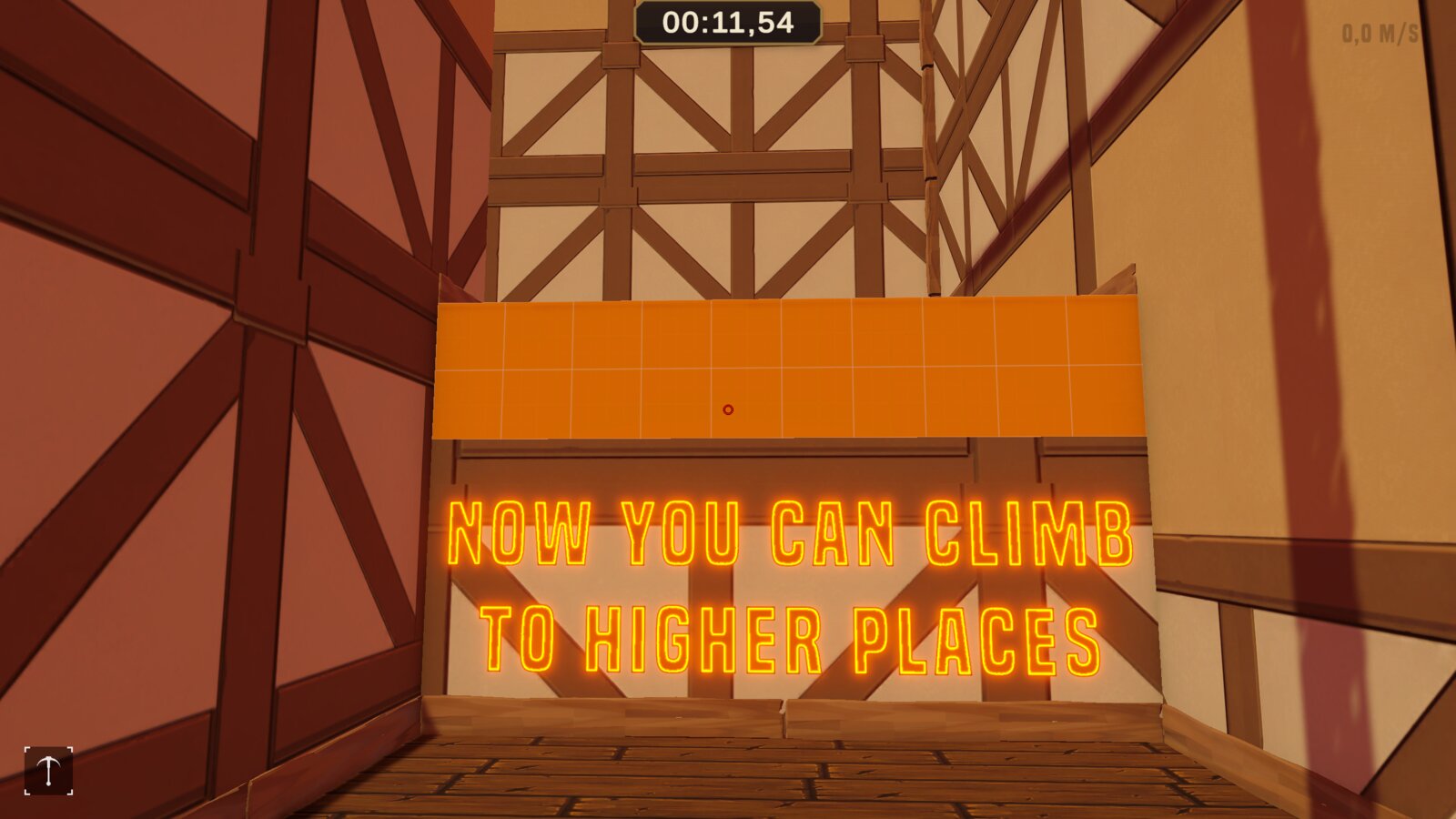
Neither level was built by hand in the editor. Custom editor tools assemble the entire geometry from a coordinate table. The measurements come from physics rather than from gut feeling: jump force and gravity give an apex of about 2.55 metres and a flat jump distance of roughly 8 metres. The gaps in the tutorial sit at 5 metres, deliberately forgiving.
That way every passage is possible with the matching ability and impossible without it. A change, in turn, is one value in the table and one menu click.
When the work was gone
The worst moment in the project was a data loss. Planks and beams I had placed by hand kept disappearing from level 1. The analysis showed the work had never reached the disk. The editor state was lost whenever the scene reloaded after the file had been touched from outside Unity.
My answer was structural. The project has been under Git ever since, scenes are only edited inside Unity and committed immediately, and risky operations run through custom tools. Room Trim came directly out of that loss and now redoes the lost work in a few clicks.
Oddly enough, that low point pushed the project's tooling further than anything else.
What stayed with me
Most of my lost time did not come from hard problems but from being certain too early. I fixed pink rendered shaders twice in the wrong place before a systematic check found the real cause: the project had no render pipeline assigned. The missing sky went the same way, and there too the first plausible explanation was simply wrong.
The same approach helped every time: look at the actual data, and only believe an explanation once it accounts for all the symptoms rather than the loudest one. I leave my wrong diagnoses in the documentation, marked as such. The road to a solution often teaches more than the solution.
And one more thing stuck: work that exists only as a scene state is fragile. Work that exists as code is mine.